

Project margins are usually a month-end discovery, not a mid-job decision.
Arcovo builds AI employees that pick up every new cost as it posts, reconcile it against the estimate, and flag projects trending over while there's still time to adjust.
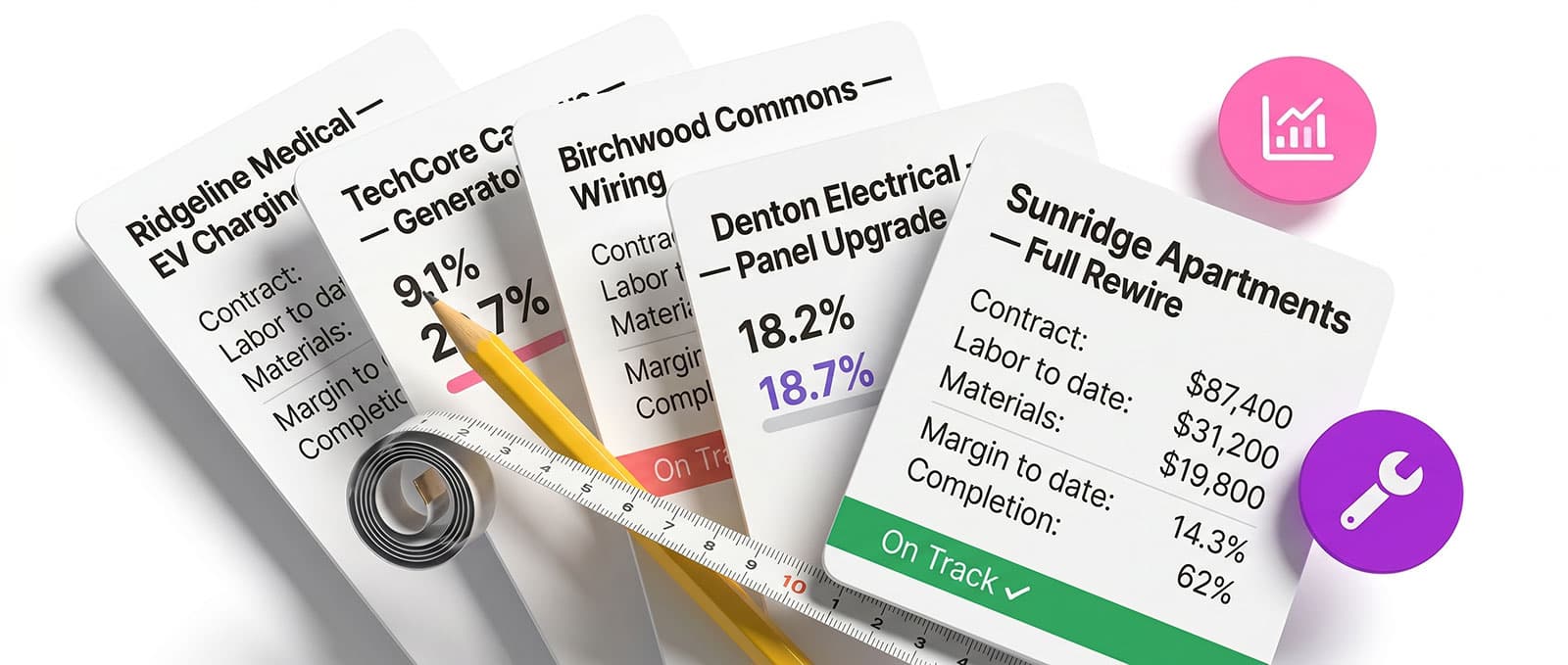
Pain points this solution addresses
Pain Points
The final numbers come in weeks after the work is done.
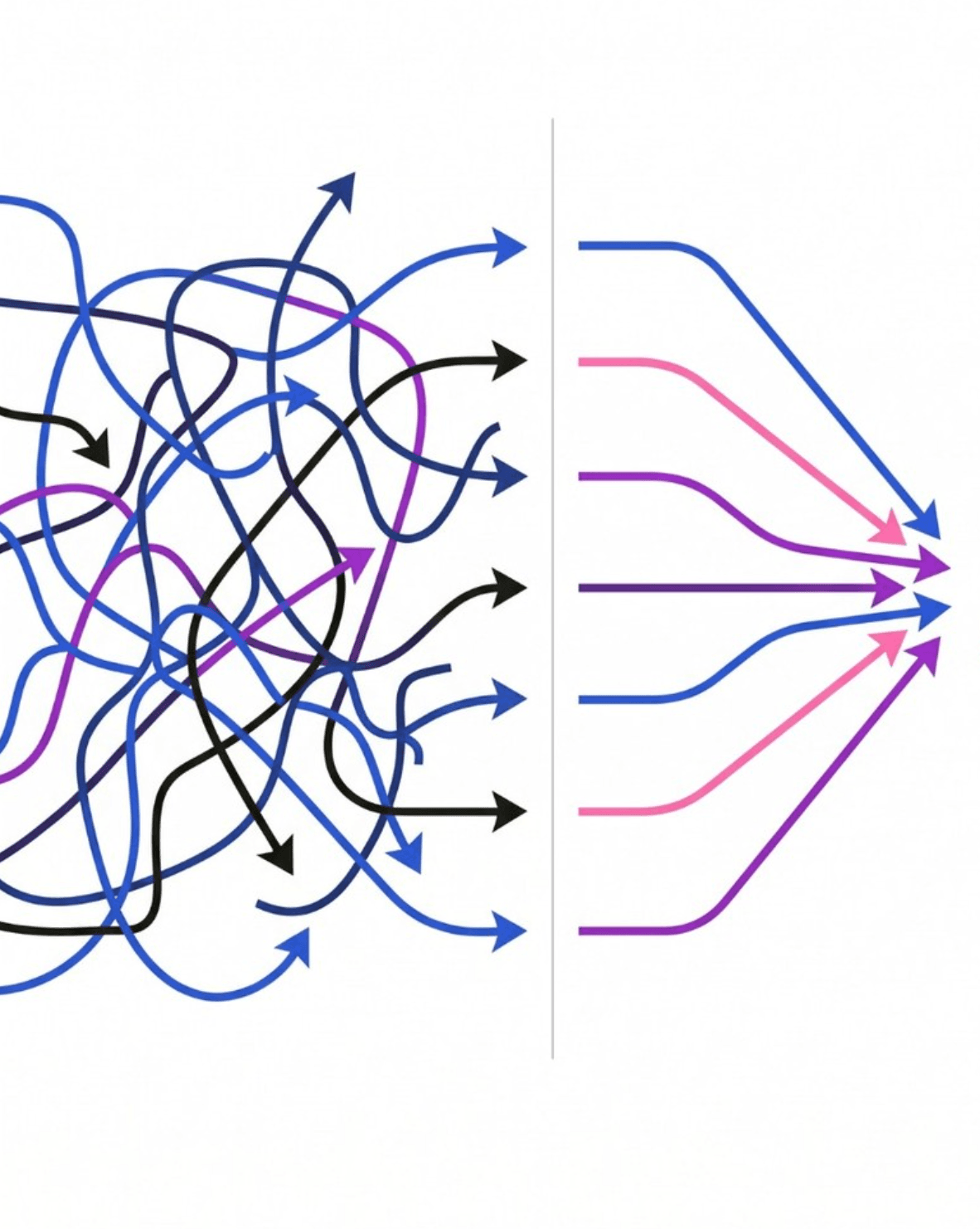
Your accounting system pulls job cost together at month-end, but by the time the final numbers are in, the project finished weeks ago. Labor that ran long, materials over estimate, scope that expanded without a matching adjustment. The full picture arrives after the window to act on it has closed.
Pain Points
The signals of an overrun exist during the project but never in one place.
The people closest to the work usually know when costs are drifting. A foreman sees the crew running long, a project manager hears the client add scope in a meeting. But the accounting system doesn't see any of that until the invoices, timesheets, and POs land days or weeks later. By the time everything reconciles, the overrun is history.
Pain Points
Profitability only matters while you can still steer the project.
A 15% labor overrun caught in week two is a conversation about scope, staffing, or a change order. The same overrun caught at close is a loss. Whether it's reallocating crew on a job site, adjusting billing on a consulting engagement, or renegotiating an MSP contract, the math is the same. Every week the signal arrives late costs money you can't recover.

We have saved time, energy, effort, and, of course, money.
How It Works
Your jobs show margin while they're still running.
Every Arcovo solution follows a simple logic. Something triggers it, your AI employee does the work, and a human reviews and approves before anything goes out.
Trigger
New cost lands on a project
A timesheet gets submitted, a purchase order goes through, a vendor invoice lands, or a change order gets signed. Any of those updates to the project cost, and your AI employee reconciles it against the estimate as it happens.
AI Action
Real costs, tracked live
Your AI employee pulls cost inputs from time tracking, purchasing, payroll, and contracts, then compares against the estimate and budget. When a category trends over, they flag it to the person who can act before the margin is gone.
Outcome
Margin visibility
A live profitability view sits on your project manager's desk. When costs trend over, they see it the week it starts. Conversations about scope and staffing happen with real numbers, and when the project ends, there are no surprises.
Real Results
Overruns caught the first week
A project trending over shows up the first week. Your project manager adjusts staffing, renegotiates scope, or flags a change order while there's still margin to protect, rather than discovering the overrun at close.
Margin, not just progress
Your project manager knows which projects are making money and which aren't, without waiting for month-end. Leadership conversations about resource allocation, client priorities, and which engagements need attention run on live numbers.
It made us feel like this is a smart investment of time, resources, and money.
Let's Compare
What changes when costs add up mid-project?
| Comparison area | With ArcovoAI Solution | Without Arcovo |
|---|---|---|
| Signal Timing | While the job is running | After the job closes |
| Sources | Time, POs, AP, payroll, and contracts | Whatever's landed in the accounting system at month-end |
| Estimate Comparison | Continuous, against the current estimate | Manual, at close-out |
| Alerting | Automatic when a category trends over | None, until the final report |
| Decision Window | Open while the job can still change | Closed by the time the numbers land |
Join Businesses Already Transforming with AI Employees
Browse our directory of AI employees and see what's possible for your business, or schedule a consultation to discover specific automation opportunities in your business.
Discover What We'd Build For You